Navigraph Charts Adds Scratchpads — Digital Notepad for Pilots
Navigraph rolls out Scratchpads for Charts, giving simmers a built-in notepad for ATC clearances, ATIS, and flight planning — no more paper or alt-tabbing.
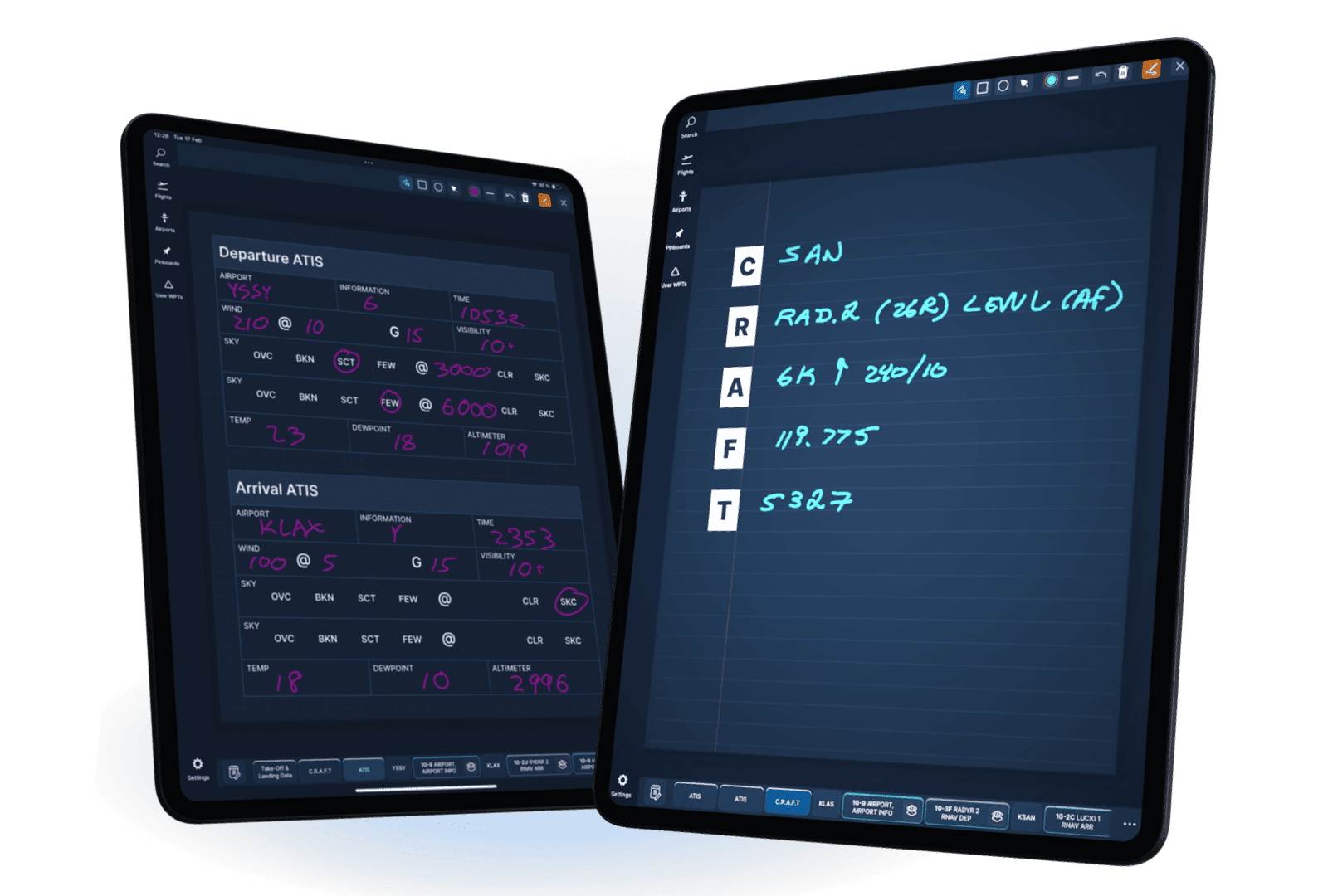
After months of community requests and teasers, Navigraph has launched Scratchpads — a new feature for Navigraph Charts that gives pilots a dedicated space to jot down notes, ATC clearances, and other flight-critical information directly within the app.
If you've ever fumbled with a physical notepad while copying a VATSIM clearance, or alt-tabbed to a text editor mid-approach to check your ATIS notes, this one's for you.
More Than a Sticky Note
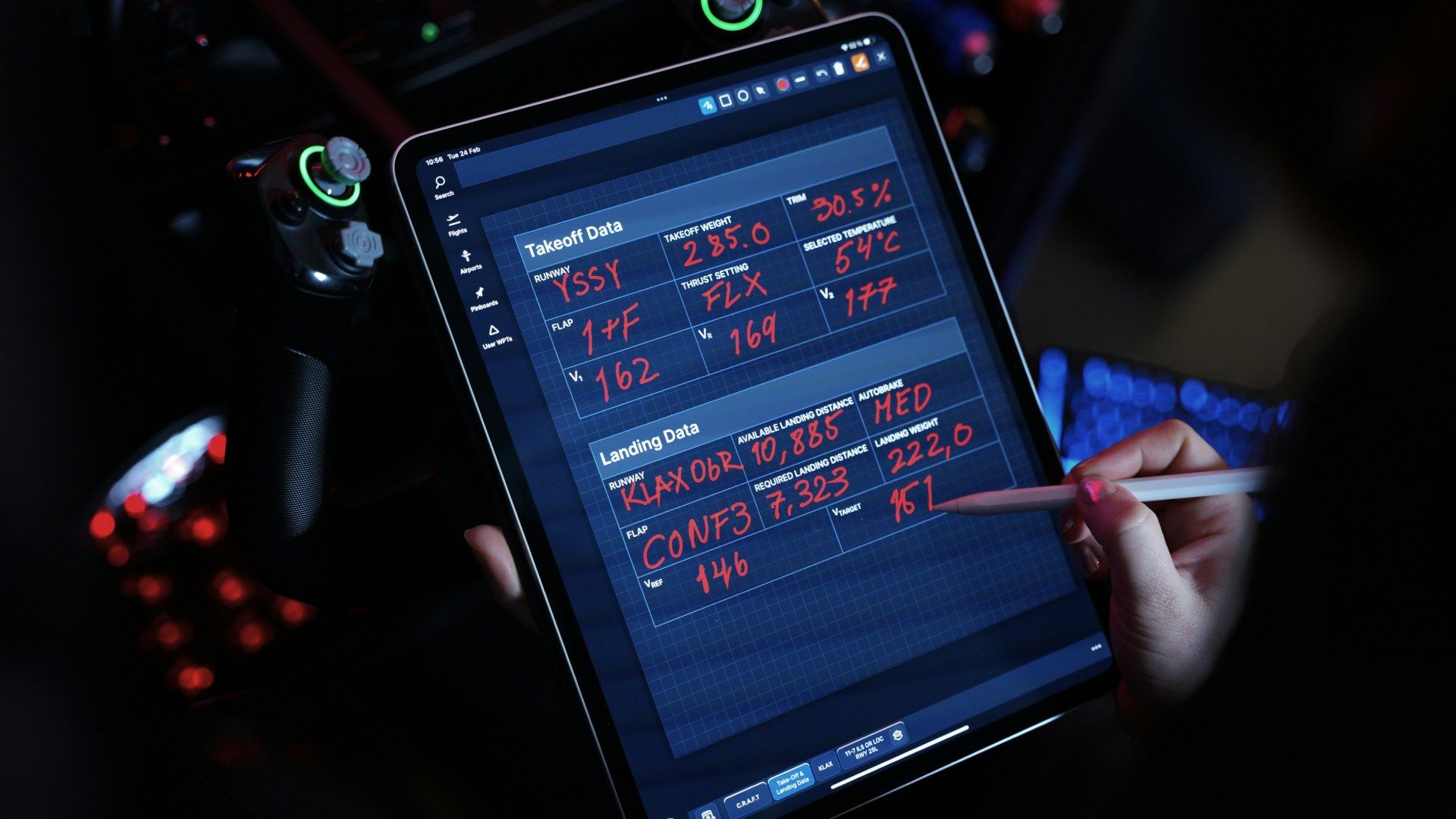
Scratchpads is designed with real-world flight preparation in mind, mirroring tools found in professional Electronic Flight Bags like ForeFlight. It's not just a blank canvas — the feature ships with purpose-built templates:
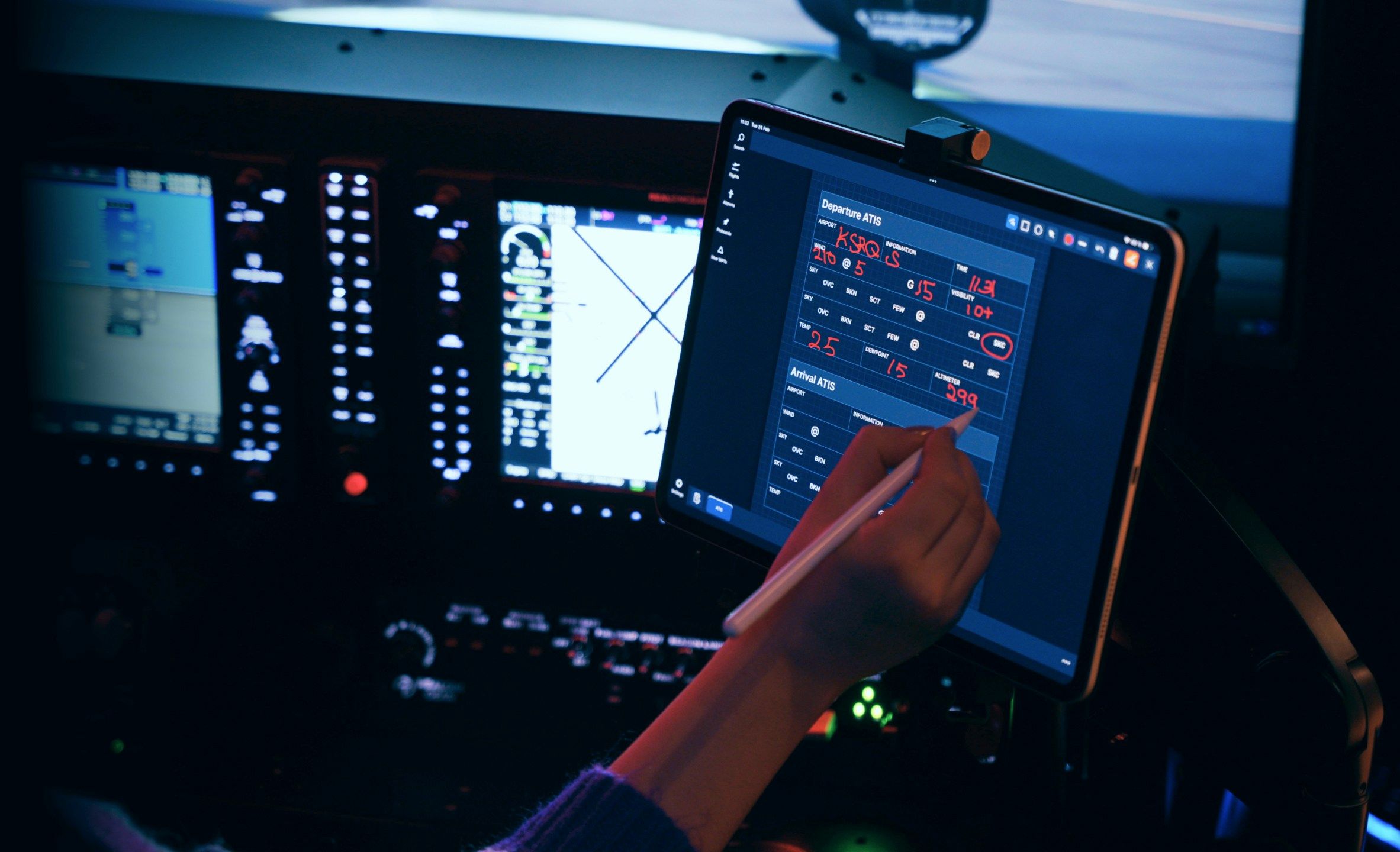
- ATIS recording — structured fields for arrival information
- CRAFT format — the standard clearance format used on VATSIM and IVAO
- TOLD — takeoff and landing performance data
- PIREPs — pilot report logging
- Holding instructions — dedicated template for hold entries
- IN/OUT times — flight time tracking
You also get basic templates like blank, lined, and graph paper, plus a typable notepad for those who prefer keyboard over stylus.
Part of a Bigger Picture
With annotations already available and Scratchpads now in the mix, Navigraph Charts continues to evolve beyond a simple chart viewer into a fully-featured EFB experience. For simmers who fly on online networks, these tools eliminate a real workflow pain point.
Scratchpads is available now for all Navigraph Unlimited subscribers across all platforms.