Boeing MCP vs Airbus FCU: Understanding Autopilot Controls in Flight Simulators
Turn, push, or pull? Why Boeing and Airbus autopilot panels work differently, and how understanding the philosophy behind each makes you a better sim pilot.
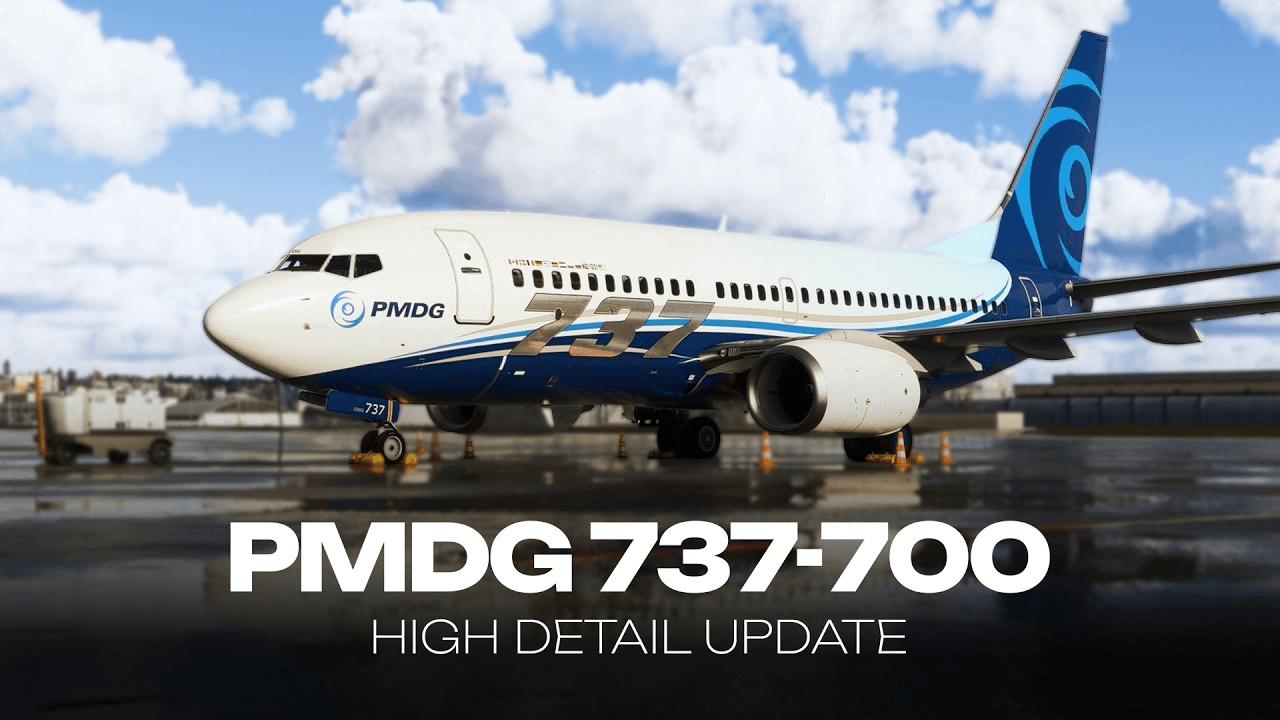
If you've ever jumped from a PMDG 737 to the FlyByWire A320 and wondered why everything feels backwards, you're not alone. Boeing and Airbus take fundamentally different approaches to autopilot control, and understanding the philosophy behind each will make you a better pilot in both.
The Boeing Way: Mode Control Panel (MCP)
Boeing's MCP is all about explicit pilot authority. Every function has its own dedicated knob or button, and every mode must be deliberately selected.
How It Works
- Speed: Turn the IAS/Mach knob to set your target, press the button to engage speed intervention
- Heading: Turn the heading knob, press HDG SEL to follow it
- Altitude: Dial in your target altitude, press ALT HLD or use VNAV/FLCH to get there
- Vertical Speed: Select V/S mode, dial your rate
The key philosophy: nothing happens automatically. If you want the autopilot to do something, you explicitly tell it to. The FMA (Flight Mode Annunciator) shows exactly what modes are active at all times.
Strengths
- Very transparent — you always know what the autopilot is doing
- Each mode is independent and clearly visible
- Less chance of mode confusion
Trade-offs
- Higher pilot workload — you manage more transitions manually
- More buttons and knobs to learn
The Airbus Way: Flight Control Unit (FCU)
Airbus uses a simpler panel with a push-pull philosophy that toggles between managed and selected modes.
How It Works
- Pull a knob = Selected mode (pilot-controlled value)
- Push a knob = Managed mode (FMS-controlled)
- Turn a knob = Change the value
For example, the speed knob:
- Pull: The autopilot flies whatever speed you've dialed in (selected)
- Push: The autopilot lets the FMS manage the speed (managed — shows dashes)
- Turn: Adjust the speed value
This same push/pull logic applies to heading, altitude, and vertical speed.
Strengths
- Lower workload — the FMS handles most transitions in managed mode
- Simpler panel with fewer controls
- Quick toggle between automation and manual control
Trade-offs
- Managed mode means trusting the FMS — you need to understand what it's planning
- Push/pull logic takes time to learn intuitively
- Easier to accidentally change modes
In Practice
Boeing Approach (737/777/787)
During cruise, you might be in VNAV for speed and altitude management, LNAV for lateral navigation. But you'll manually select modes for transitions — arming approach mode, selecting heading vectors, managing speed windows.
Airbus Approach (A320/A380)
In managed mode, the aircraft follows the FMS flight plan laterally and vertically with minimal intervention. When ATC gives you a heading or speed, you pull the knob to switch to selected mode, dial in the value, then push it back to managed when cleared to resume the flight plan.
Which Is Better?
Neither. They're different tools optimised for different workflows:
- Boeing suits pilots who want to stay in the loop and make every decision explicitly
- Airbus suits pilots who prefer to manage the automation and intervene when needed
The best sim pilots understand both philosophies and can switch between them fluidly. If you've only flown one type, try the other — it'll give you a deeper appreciation for how automation design shapes the flying experience.
Hardware Options
If you want a physical MCP or FCU for your home cockpit:
- WINWING PAP3 — Boeing-style MCP, excellent value
- Thrustmaster TCA Quadrant Airbus — includes basic FCU functions
- Skalarki Electronics — high-end replica panels for both types
- MobiFlight — build your own custom panel with Arduino hardware